
Probes & Accessories
Everything around the main unit, so the whole examination setup arrives together. Probes are selected with the model in each ultrasound section; this section lists the matching accessories — carts and trolleys, wireless charging pads, carry bags, needle guides, Windows main units and keyboards, ultrasound workstations and greyscale video printers — matched to the main unit and probe model, ready to use out of the box.
Selection guide · how to choose by setting (click to expand)
What the range contains
| Category | Items |
|---|---|
| Support and movement | Ultrasound carts (type A / B / C), T-type trolley |
| Power and storage | Wireless charging pad for dual-head wireless probes, handheld ultrasound carry bag |
| Interventional support | Ultrasound probe needle guide (for biopsy sampling) |
| Workstation and main unit | SW-20 ultrasound workstation, touchscreen Windows main unit for handheld ultrasound, keyboard for Windows main units such as those used with handheld ultrasound |
| Image output | Greyscale video printer |
What fits what
- Carts and trolleys: support the ultrasound main unit and probes; types A / B / C suit different models, as listed in each model's configuration sheet.
- Wireless charging pad: for dual-head wireless probes, used for resting and charging the probe.
- Carry bag: for storing and carrying handheld ultrasound units and accessories.
- Needle guide: used with the matching probe for positioning during ultrasound-guided biopsy sampling.
- Touchscreen Windows main unit and keyboard: provide a local display and operating platform for handheld ultrasound and similar devices.
- Ultrasound workstation: for storing, editing and outputting images and reports.
- Greyscale video printer: for printing ultrasound images on paper.
Selection advice
- Choose the main unit and probe first, then the accessories: accessories have to match the main unit or probe model, so confirm the model before ordering.
- Choose by setting: a fixed consulting room calls for a cart or a workstation; bedside and house-call work calls for a carry bag and a wireless charging pad; interventional procedures call for a needle guide as required.
- Printing and networking: add a printer where paper images are needed; before connecting to a hospital network, confirm that the main unit supports DICOM.
- Equipping several units: where a department has several units of the same model, extra charging pads and carry bags make central storage and rotation easier.
- Interfaces and power: wireless probes need a charging pad or power bank; choose a Windows main unit and keyboard according to whether an external display and input are needed on site.
How it differs from our other ultrasound ranges
This section covers the accessories that go with a main unit and probe, and does not constitute an examination device on its own: probes are selected with the model in each ultrasound section, while this section supplies support and movement (carts, trolleys), power and storage (wireless charging pads, carry bags), interventional support (needle guides), workstations and main units, and image output (printers). Accessories are matched to the main unit and probe by model — the relationship is one of matching, not of substitution.
Common purchasing questions
Q: Will the accessories work with any model?
A: No. Accessories have to match the corresponding main unit or probe model; please confirm the compatible models with our product department.
Q: Where are probes selected?
A: Probes are selected with the model in each ultrasound section; this section covers matching accessories. Probe specifications are given on the corresponding product page.
Q: What else is needed once the main unit is bought?
A: It depends on the setting: a cart or workstation for fixed use, a printer where paper images are needed, and a needle guide for interventional procedures. The order list is the definitive configuration.
The information on this page is a reference for accessory products; the compatible models and specifications are those in the product description and the order configuration list. Contraindications and precautions are set out in the product manual, and the product must be operated by personnel holding the relevant qualifications.
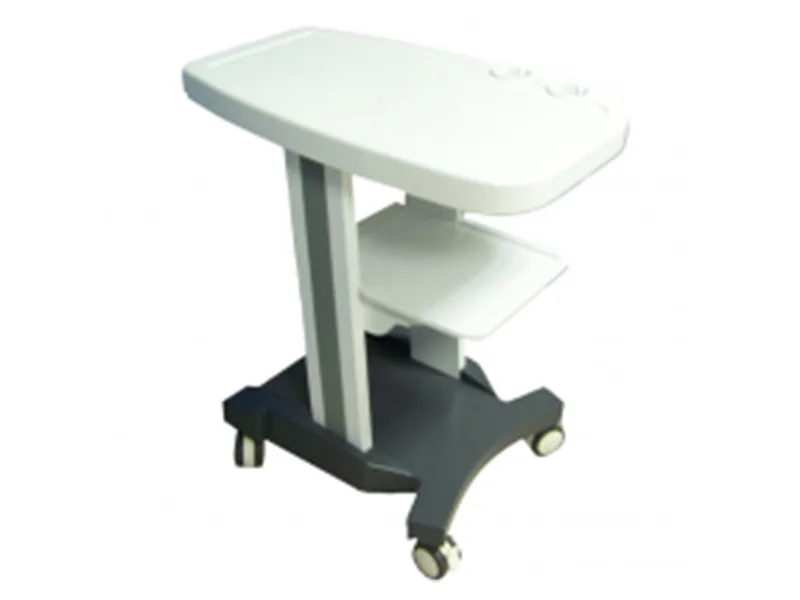
Ultrasound Cart (Type A)
White top with a two-tier shelf and a castor base for portable ultrasound systems
View details →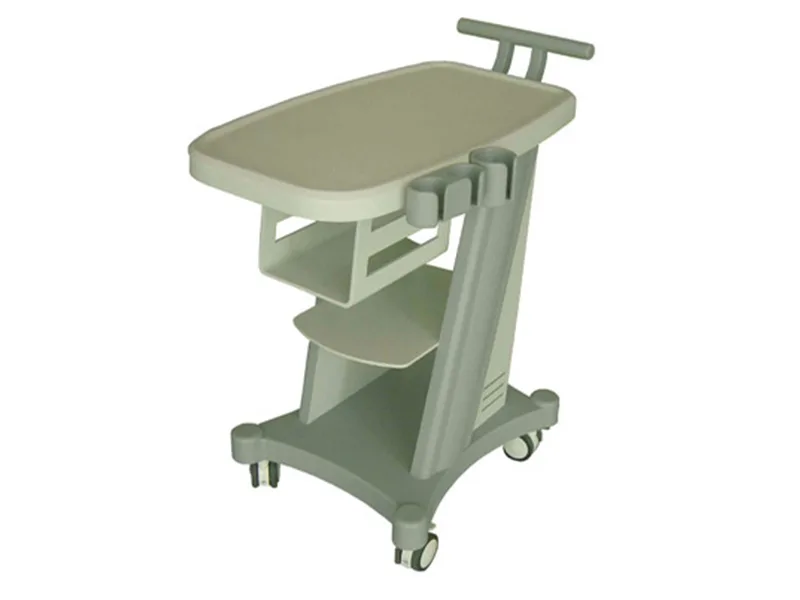
Ultrasound Cart (Type B)
Beige top with a push handle, two-tier shelf and castor base
View details →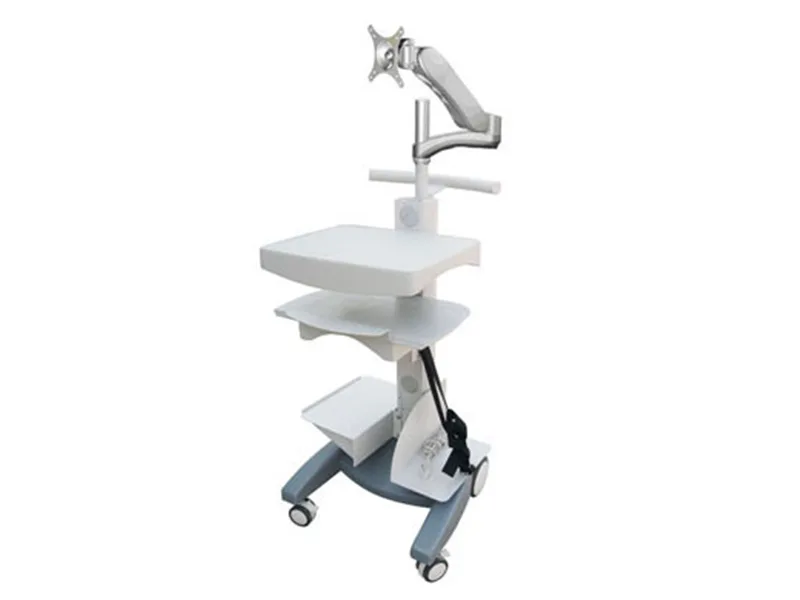
Ultrasound Cart (Type C)
Cart with a monitor mounting bracket so host and display travel together
View details →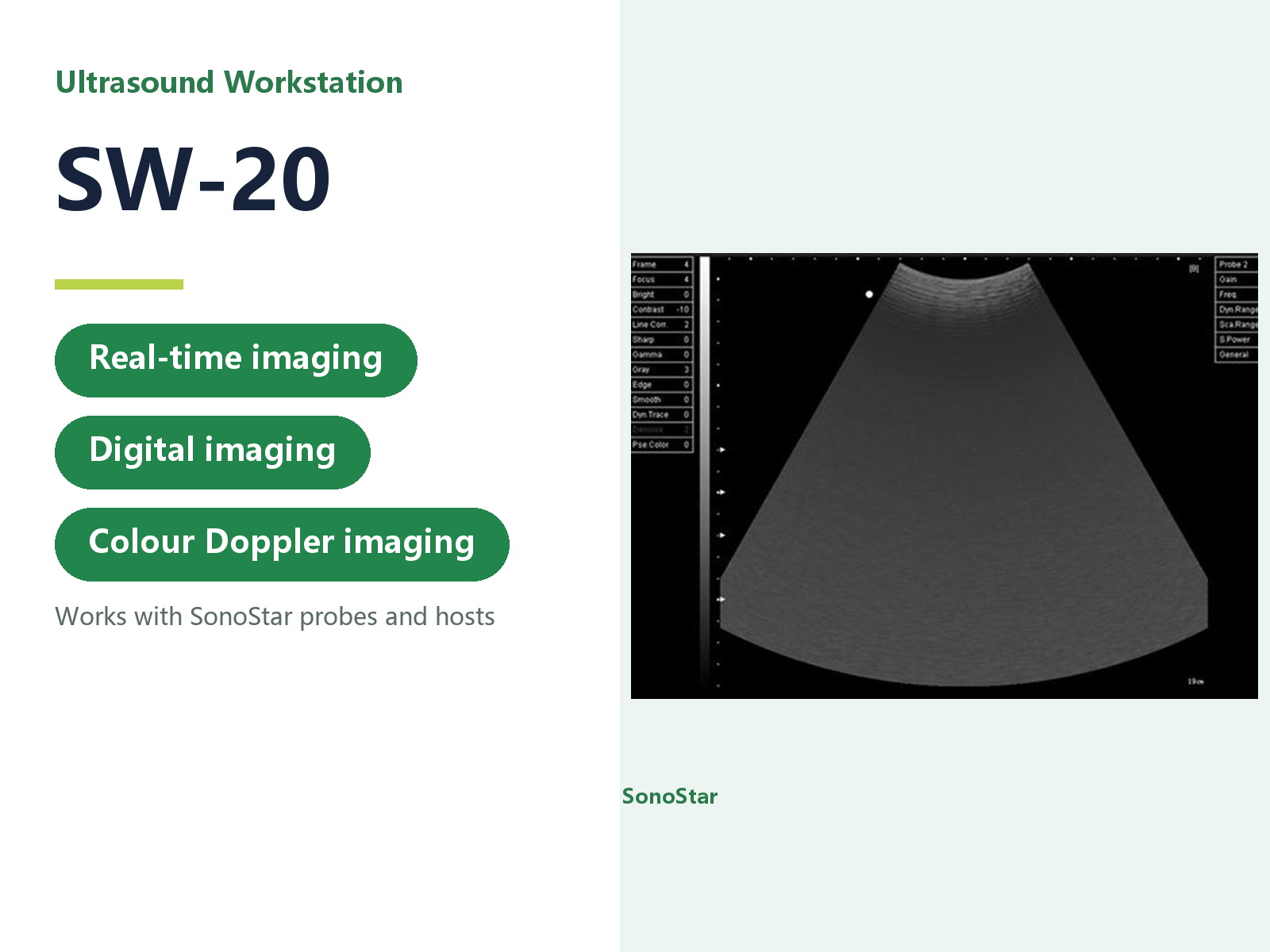
SW-20 Ultrasound Workstation
Software workstation for archiving, reviewing and reporting ultrasound images
View details →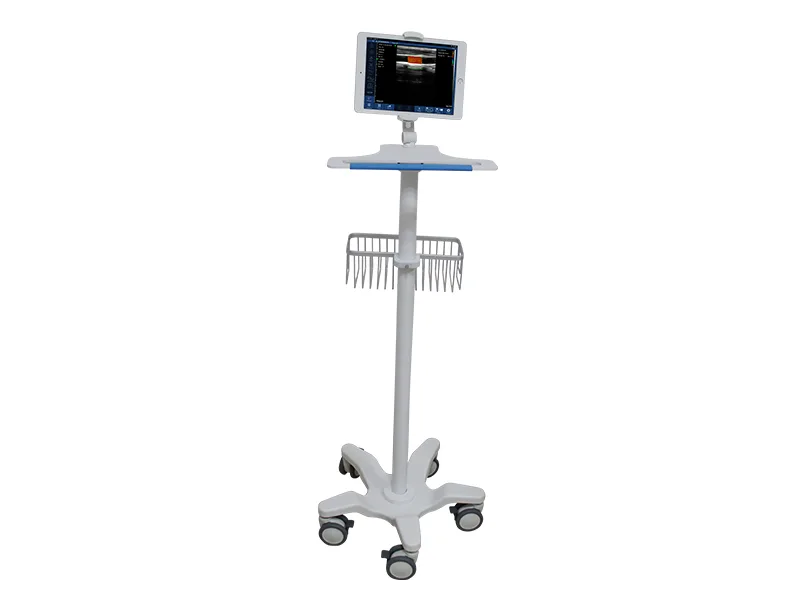
T-Shape Ultrasound Trolley
Turns a handheld or portable system into a mobile examination station
View details →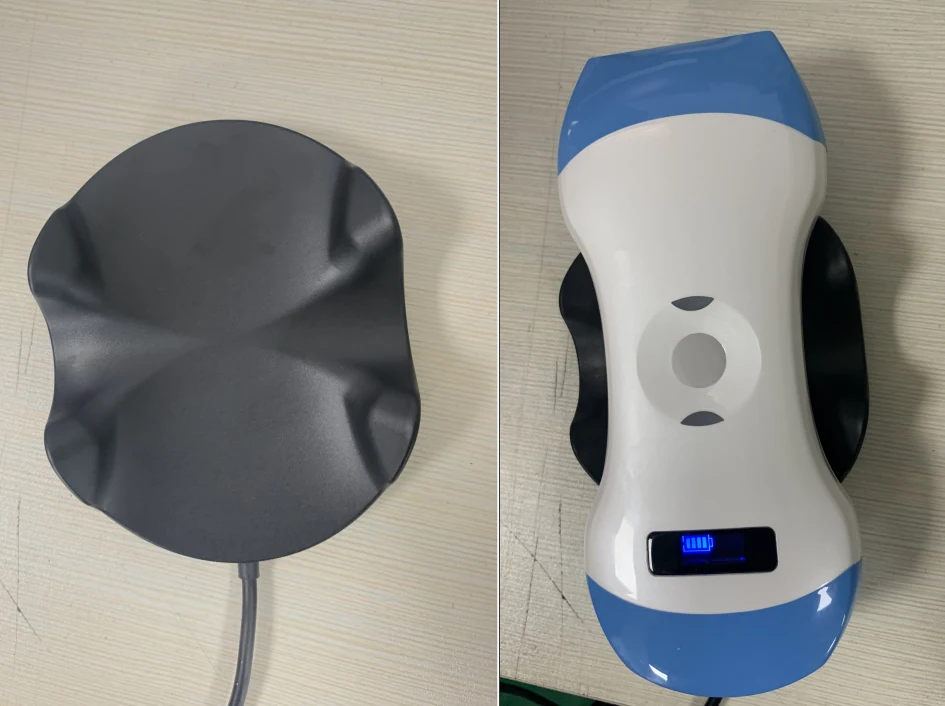
Wireless Probe Charging Pad
Holds and charges two probes at once - put them down and they charge
View details →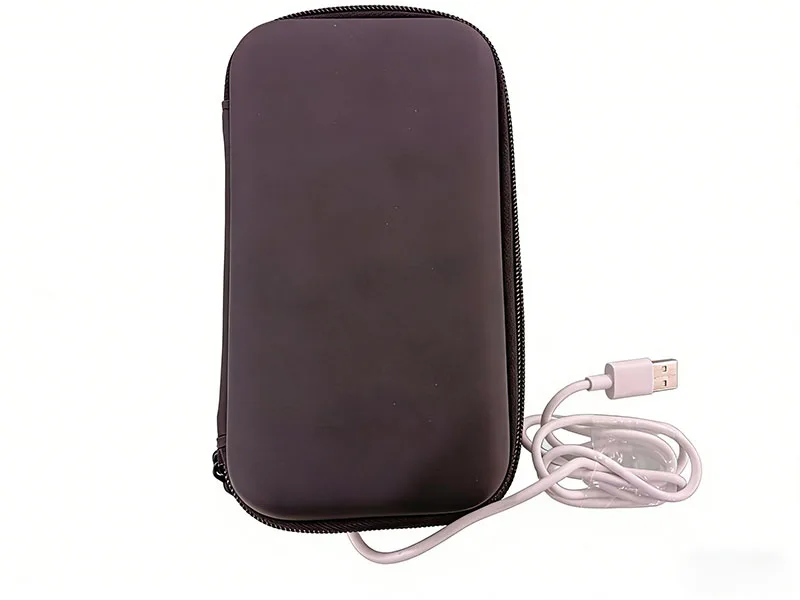
Handheld Ultrasound Carry Bag
Layered mesh compartments for the host, probes and cables
View details →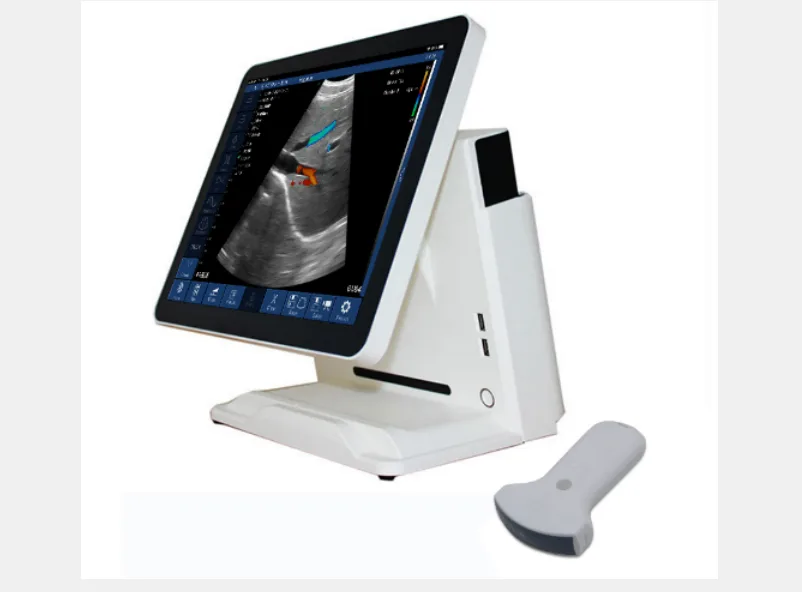
Windows Touch-Screen Host for Handheld Ultrasound
All-in-one touch screen so the image no longer depends on a phone or tablet
View details →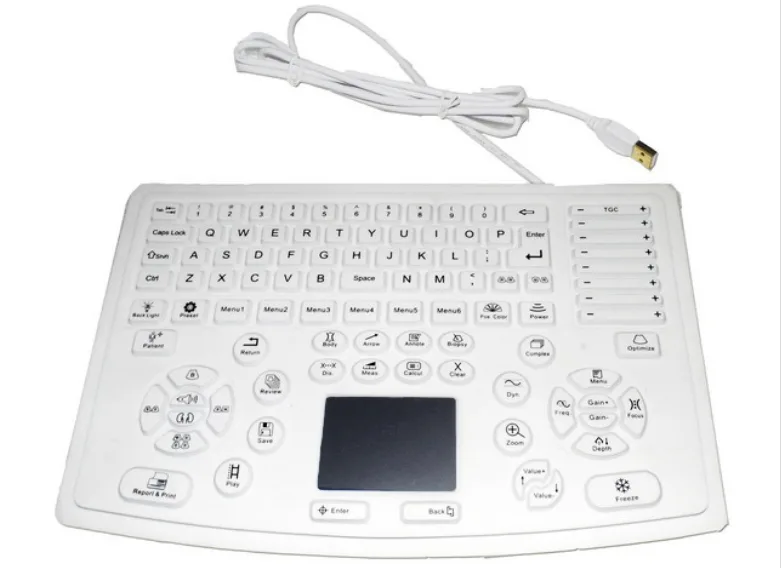
Ultrasound Keyboard for Windows Hosts
Dedicated keyboard with a central trackball and ultrasound function keys
View details →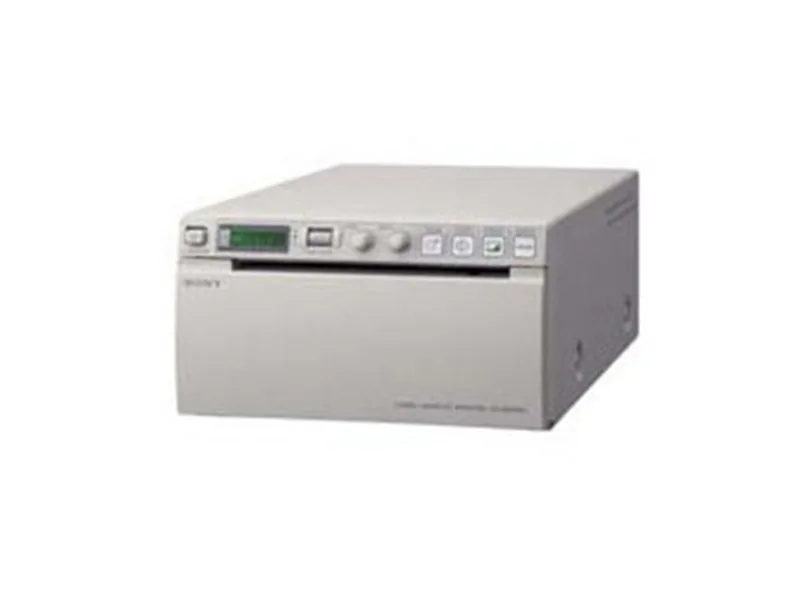
Black-and-White Video Printer
Prints the ultrasound image straight from the video signal
View details →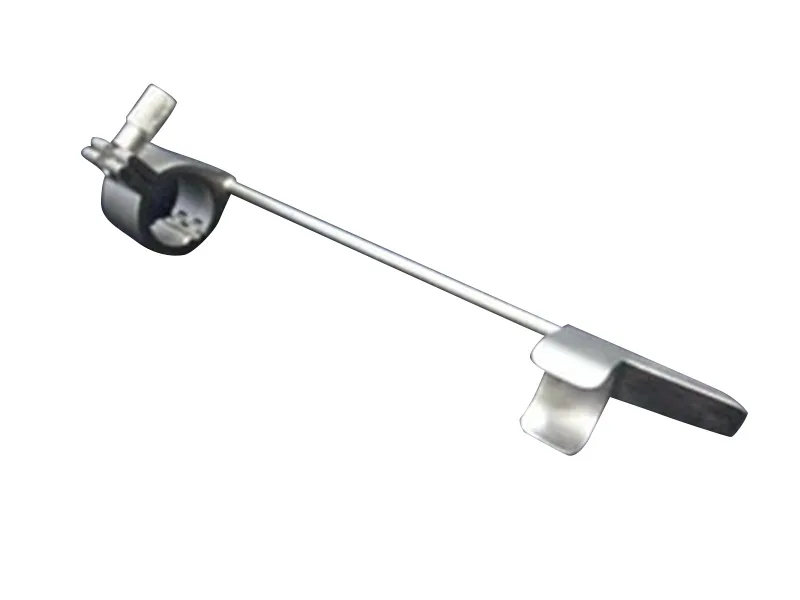
Ultrasound Probe Needle Guide (for Biopsy)
Needle guide bracket for ultrasound-guided biopsy - ultrasound accessory
View details →Frequently asked questions
Common questions about products and selection
Which accessories are listed here?
Ultrasound trolleys (types A, B and C), the T-type cart, the dual-head wireless probe charging pad, carry bags, needle guides, Windows host units and keyboards, ultrasound workstations and black-and-white video printers.
Where do I buy probes?
Probes are selected per model within each ultrasound section; you can also contact us to confirm whether a probe is compatible with your unit.
How do I choose accessories?
Match them to the main unit and probe model so the system is ready to use out of the box. If you are unsure, tell us the main unit model and we will confirm.
Is there software or a workstation available?
An ultrasound workstation is available for use with the system; contact us for the configuration that suits your setup.
Didn't find what you need?
Tell us how you will use the system, and we will propose an ultrasound configuration to match.
Contact us